Unleashing the Power of Veo3: The Ultimate AI Video Generator Guide
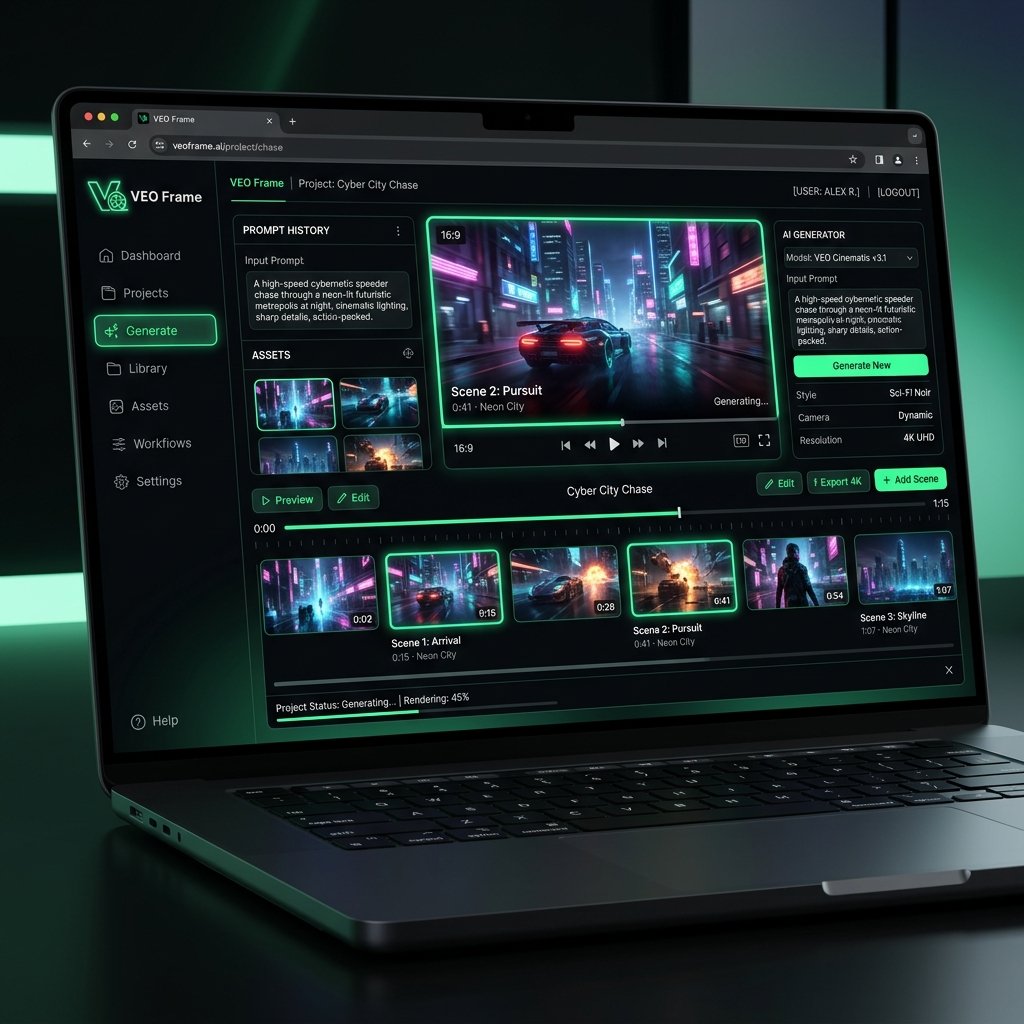
Artificial intelligence is redefining filmmaking, and at the forefront of this revolution stands the new Veo3 AI video generator. Built to handle complex motion, physics-based simulations, and fine-grained text prompts, Veo3 allows digital creators to render studio-grade cinematic sequences directly from their browser.
What makes Veo3 different?
Traditional video generator tools often struggle with visual consistency and temporal coherence. Characters drift, layouts morph, and backgrounds warp unpredictably. The new Veo3 model resolves this by employing advanced 3D spatial awareness algorithms. When you enter a prompt into VEO Frame, Veo3 plans the camera trajectory and character vectors concurrently, ensuring that the scene stays geometrically locked.
How to prompt Veo3 for maximum cinematic output
To get the best results from this next-gen ai video generator, structure your prompts with clear camera directions. For instance, instead of writing "a futuristic spaceship flying," try "Cinematic shot, camera tracking side-profile of a chrome spaceship moving through a neon nebula, high-fidelity refraction, Veo3 engine, volumetric lighting." By defining camera movement, you unlock the model's full motion rendering capacity.
With VEO Frame, you can experience the bleeding edge of ai video generation and scale your production workflows effortlessly today.